How to Turn a Portfolio Website into a Better Client-Getting Tool
A portfolio is more than a gallery of attractive screenshots. Potential clients want to know what problem you solve, who you work with, how your process works and how to begin a conversation. Your site should reduce uncertainty, not simply display visual skill.
Lead with a clear positioning statement
Describe the type of client you help and the outcome you deliver. “I design WordPress websites for independent clinics” is more informative than “Creative digital experiences.” Follow it with a short description of services and one prominent contact action.
Turn selected projects into case studies
Choose projects that demonstrate the work you want more of. Explain the client’s challenge, your role, the approach, key decisions and deliverables. Use real screenshots with permission. Do not invent conversion results or client quotes. When metrics are unavailable, describe practical improvements without unsupported numbers.
Show the process
Explain discovery, information architecture, design, development, testing and handover. This helps clients understand what they are buying. Add a project enquiry form or booking route so visitors do not have to search for contact details.
Create the portfolio with Themify
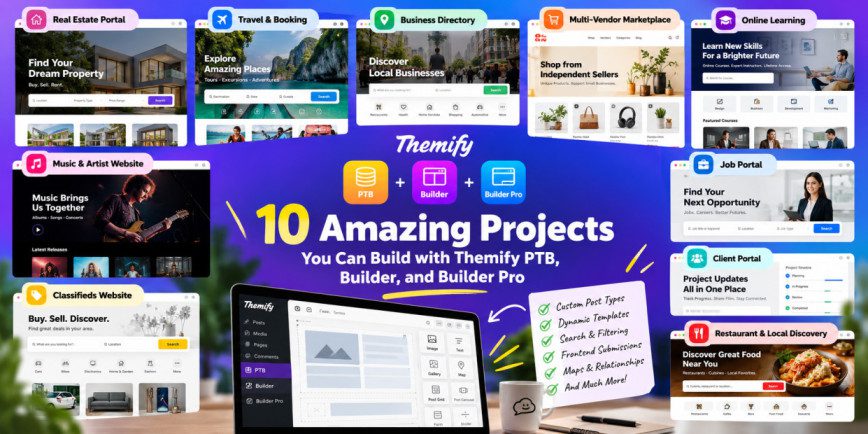
Themify Ultra is presented as a multipurpose theme with demos for different site types. Its integration with Themify Builder gives visual control over page layouts. Create a grid of featured projects, service cards, process sections and a contact call to action. Review Ultra’s theme page and the Builder feature list.
Make work easy to browse
Use consistent project thumbnails, concise labels and useful categories. Keep image sizes controlled and cards readable. A large portfolio may benefit from filters, but a curated grid is often simpler when there are only a few projects.
Build trust honestly
List experience, tools, industries and certifications only when accurate. Explain communication, post-launch support and handover. Include testimonials only with client approval and preserve their original meaning.
Review mobile and contact experience
Check that images do not dominate the page, project text remains readable and buttons are easy to tap. Test forms end to end: submission, notification, confirmation and spam protection.
Official resources
Conclusion
A strong portfolio combines relevant work with context and a clear next step. Themify Ultra and Builder can create a flexible presentation, but the most important conversion work is selecting suitable projects and explaining their value honestly.