
























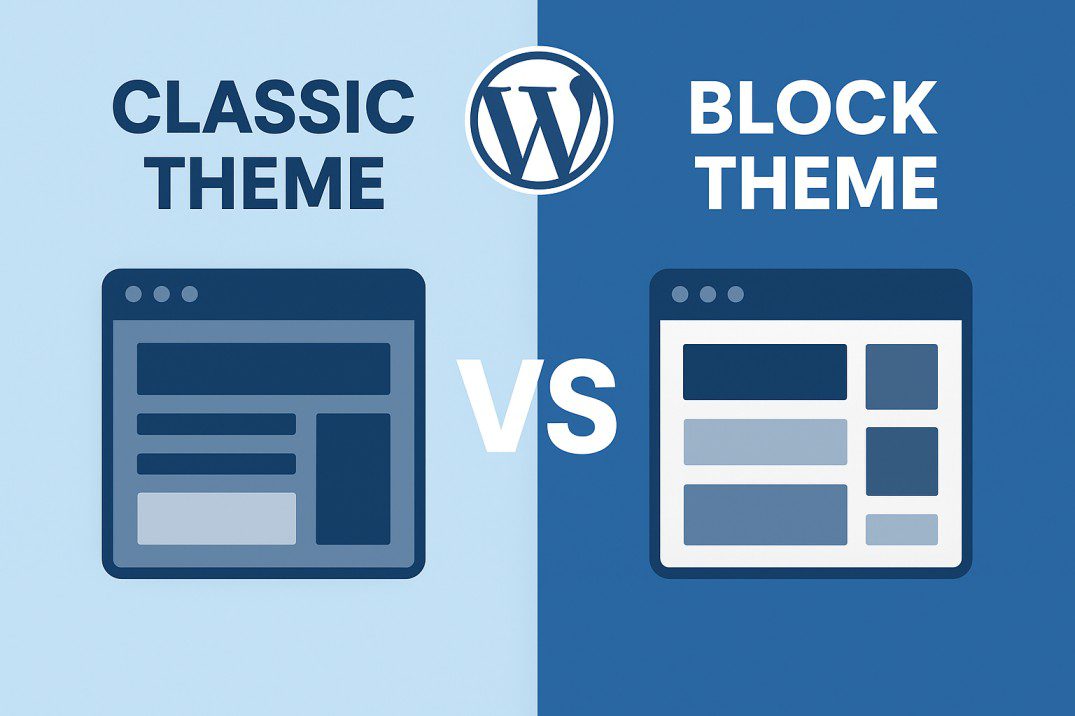
Why WordPress Is Killing Classic Themes — And What You Can Do About It
🌍 The Evolution of WordPress
For nearly two decades, WordPress classic themes powered millions of websites — flexible, code-based, and deeply customizable. But in recent years, the platform has shifted toward a new future: block-based design and Full Site Editing (FSE).
That means — slowly but surely — classic themes are fading out, and block themes are taking center stage.
But why is this happening? And what should website owners, developers, and designers do about it?
Let’s break it down.
⚙️ The Big Shift: From Classic to Block Themes
The change began when Gutenberg, WordPress’s block editor, was introduced in version 5.0 (2018). Initially, it only replaced the post/page editor. But now, Gutenberg has expanded into something much bigger — a full site editor that lets users design entire sites using blocks instead of PHP templates.
This shift means that:
- The Customizer, Widgets, and Menus in the traditional dashboard are being replaced by the Site Editor.
- Themes are now built with HTML templates and JSON files, not PHP-based structures.
- Global Styles (
theme.json) control colors, typography, and spacing instead ofstyle.cssoverrides.
Essentially, WordPress is modernizing itself to compete with site builders like Elementor, Wix, and Squarespace.
💥 Why WordPress Is Killing Classic Themes
1. Unified Editing Experience
WordPress wants users to edit everything — header, footer, sidebar, content — from one visual interface. Block themes make that possible. Classic themes don’t.
2. Better Design Consistency
With FSE, every element follows global design rules. No more messy theme options or inconsistent widget styling.
3. No Developer Lock-In
Block themes are standardized. Users don’t need to rely on a single theme developer’s unique codebase — they can switch themes more easily.
4. Future-Proof Technology
Classic themes are based on PHP templates — powerful but outdated for visual editing. The block-based approach is more intuitive for non-coders and easier to extend with future WordPress updates.
⚖️ Pros of Moving Away from Classic Themes
✅ Visual Editing Freedom
You can design headers, footers, and content layouts right inside the Site Editor — no more editing PHP files.
✅ No Need for Page Builders
Block themes eliminate the need for plugins like Elementor or Divi for basic layout tasks, making sites faster and lighter.
✅ Better Speed and Performance
Most new block themes are optimized for modern web standards — cleaner code, fewer dependencies, and faster load times.
✅ Consistent Design System
Global styles ensure your typography, spacing, and color palette stay uniform across the site.
✅ Easier for Beginners
Non-technical users can build custom layouts with drag-and-drop simplicity.
⚠️ Cons of Killing Classic Themes
❌ Developers Lose Familiar Control
Advanced users miss the flexibility of PHP templates, functions.php, and hooks.
❌ Plugin Compatibility Issues
Many plugins still expect the Customizer, widgets, or old theme structures — causing layout or feature issues.
❌ Learning Curve
The Site Editor interface is confusing at first. Traditional WordPress users often feel “lost” when switching.
❌ Limited Design Freedom (for now)
Not all classic theme features (like dynamic layouts or complex conditional logic) are easy to replicate in FSE yet.
❌ Transition Pain
Existing sites using classic themes need major restructuring to switch.
🧭 What You Can Do About It
💡 1. Don’t Panic — Classic Themes Still Work (For Now)
Classic themes aren’t dead yet. They’ll continue working for a few more years — but expect fewer updates and support over time.
🧱 2. Start Learning Block Themes
If you’re a site owner or designer, experiment with block themes like:
- Twenty Twenty-Five (official WordPress theme)
- Blocksy
- GeneratePress Block Edition
- Kadence Blocks Theme — great for learning Global Styles and FSE.
🔧 3. Mix Classic & Block Tools
Use Hybrid Themes that support both Customizer and FSE features. Example: Astra, OceanWP, and Neve.
📚 4. Learn theme.json
This file controls your site’s design system — colors, typography, layout spacing, and more. Understanding it gives you future-proof control over your designs.
🔄 5. Plan a Gradual Migration
If your website runs on a classic theme, plan your migration:
- Start with reusable block patterns
- Recreate your homepage or footer in the Site Editor
- Eventually, rebuild your site with a block theme
🧠 6. Stay Updated
Follow WordPress.org News, the Gutenberg GitHub Repo, and WP Tavern to stay informed about the changes.
🕰️ The Bottom Line
WordPress isn’t killing classic themes to frustrate users — it’s evolving to keep up with modern website-building trends.
Yes, it’s uncomfortable. Yes, it means relearning things. But it’s also a chance to create faster, more consistent, and user-friendly sites without needing heavy page builders.
The web is moving forward — and WordPress is making sure it doesn’t get left behind.


