How to Organize WordPress Content with Custom Post Types and Taxonomies
WordPress posts suit time-based editorial content, while pages usually hold stable information such as About and Contact. When a site repeatedly publishes another kind of record—courses, properties, team members or case studies—a custom post type can make the admin area and content model clearer.
Do not create a custom type for every page
A custom post type is useful when entries share fields, behaviour or archive needs. It is unnecessary for a handful of unique pages. Before creating one, ask whether editors will publish many similar records and whether visitors need to browse them as a group.
Understand taxonomies
Categories and tags are familiar WordPress taxonomies. A custom taxonomy can classify a custom post type with terms such as location, service type, genre or skill. Taxonomies work best for shared labels used across multiple records, while one-off values usually belong in custom fields.
Plan an example content model
For a training website, create a Courses post type. Add fields for course duration, level and instructor. Create taxonomies for subject and delivery format. Visitors can browse by topic while every course page uses a consistent structure.
Build the structure with Themify PTB
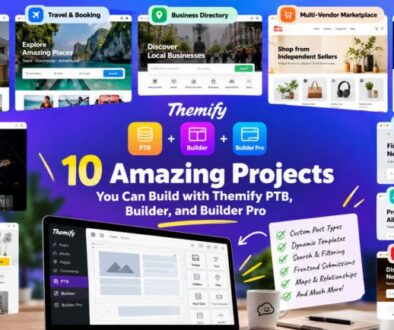
Themify Post Type Builder offers post type creation, a Meta Box Builder for custom fields, taxonomies and templates. Create taxonomies before attaching them to a post type when needed, and choose clear labels and slugs. Review the official PTB guide before setting the content model live.
Present records with Builder Pro
Builder Pro can create single and archive templates for custom post types. Its dynamic content controls can display custom field values in modules. That separates the data editors enter from the design visitors see. Start with one record and check how optional fields behave.
Keep URLs and taxonomies manageable
Choose readable slugs before publishing many records. Avoid overlapping taxonomies that confuse editors. Document which taxonomy controls navigation, which fields are required and how existing records should be updated.
Official Themify resources
Conclusion
Custom post types and taxonomies are about organizing information, not adding complexity. Use them when your site has repeatable records with shared properties. PTB can help build that structure, while Builder Pro can turn it into consistent pages and archives.