Reuse Themify Builder Layouts Across WordPress Pages and Client Sites
Once a page layout has been carefully built, you may want to reuse it on another page or client site. Rebuilding the same hero, service grid or contact section from scratch is repetitive and can introduce small differences. Themify Builder includes an Import/Export workflow for saving and transferring layouts.
Prepare a layout before exporting
Choose a page or post whose structure is suitable for reuse. Remove client-specific details, private information, temporary links and assets you do not have permission to reuse. Check the layout on desktop and mobile so that you do not carry a broken section into another project.
Export the Builder layout
The Themify Builder documentation describes exporting from the frontend admin bar: open Themify Builder, choose Import/Export and select Export. The Builder prompts you to download a ZIP file containing the layout data. Store it with a clear name and a note explaining which Builder or theme features the layout requires. See the official Builder documentation.
Import a saved layout
Open the destination page or post, launch Builder and use the Import option to upload the previously exported layout file. Review the imported page before publishing. Replace the site logo, colours, copy, images, forms and destination links. A layout transfer does not mean that every external plugin, form or media dependency is automatically configured for the new site.
Create a small component library
Organize exports into folders such as landing-page sections, service cards, testimonial layouts and contact blocks. Add a short readme with the intended use, any required modules and the date last tested. Keep a clean master copy so project-specific edits do not overwrite your reusable original.
Use shared styles for consistency
Reusable layouts work best when the design system is clear. Document heading sizes, button treatments, colours, spacing and image ratios. Themify Builder also offers Global Style controls to manage repeated module styling. Confirm how these styles behave on the destination theme and site before relying on them for a large project.
Check dependencies and permissions
Before importing into a client site, confirm that the required theme, Builder version, addons, fonts and images are available. Use licensed images and fonts only where the licence permits reuse. Remove credentials or private form settings from exported materials.
Official Themify resources
Conclusion
Exporting and importing Builder layouts can save time across similar pages and projects. The important work is preparing a reusable version, documenting dependencies and testing after import. Treat the layout file as a starting point rather than a finished site.
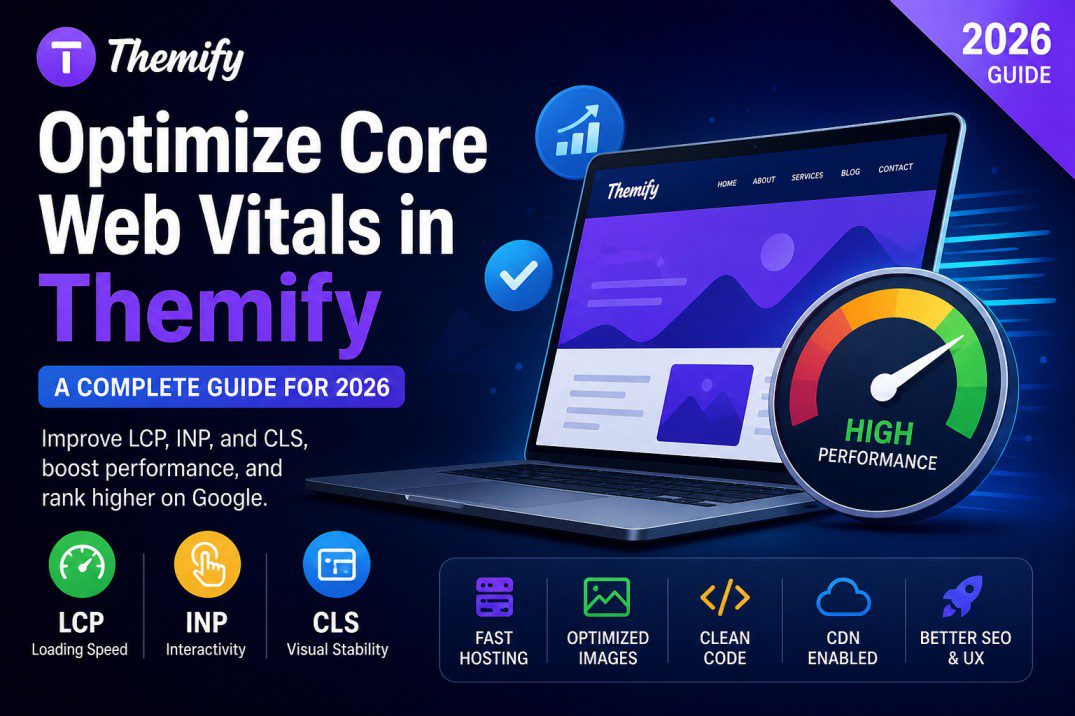
Themify Builder Import/Export panel and reusable page layout library. ALT: Themify Builder layout export and import workflow for reusable WordPress pages.