























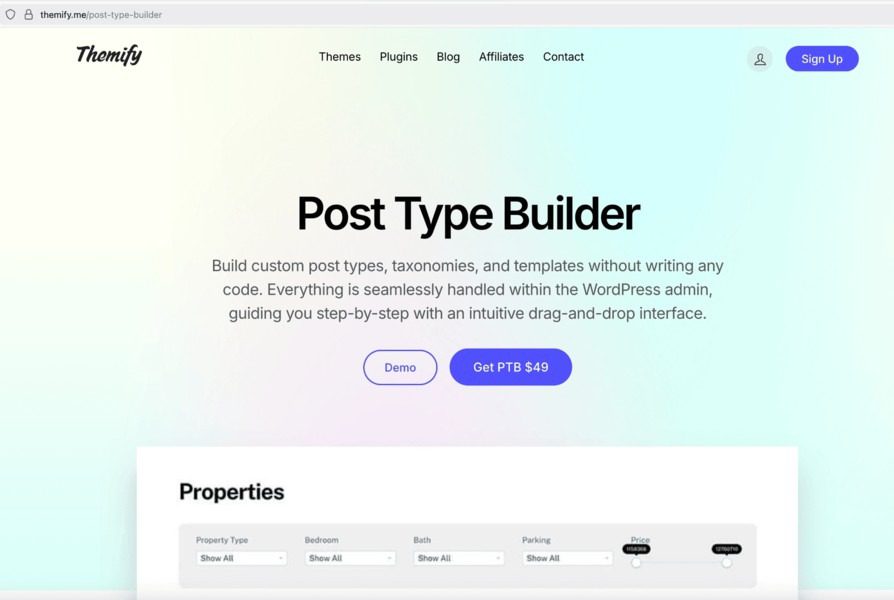
How to Create Custom Post Types in WordPress Using Themify Post Type Builder
WordPress is great for blogs and simple websites, but sometimes you need more than just posts and pages. For example, maybe you want a section for portfolios, events, testimonials, or products.
This is where custom post types (CPTs) come in. They let you create your own types of content that fit your website perfectly.
With Themify Post Type Builder, you can do all of this without touching a single line of code. Let’s walk through it step by step.
What Are Custom Post Types?
By default, WordPress gives you:
- Posts: Regular blog articles
- Pages: Static content like About, Contact, or Services
Custom post types are basically extra types of content that you create for your website. Examples include:
- Portfolios
- Products
- Event listings
- Testimonials
They help keep your content organized and easy to manage.
For more on CPTs, check out the WordPress guide on custom post types.
Why Use Themify Post Type Builder?
Themify Post Type Builder is a simple tool that allows you to:
- Create custom post types quickly
- Add extra fields like images, text, or checkboxes
- Design layouts for each post type with a drag-and-drop builder
- Manage everything directly in WordPress
No coding required. Even beginners can make their website more professional with it.
Learn more about Themify Post Type Builder here.
How to Create Custom Post Types: Step by Step
Step 1: Install the Plugin
- Go to your WordPress dashboard.
- Click Plugins > Add New.
- Search for Themify Post Type Builder or upload the plugin file.
- Click Install Now, then Activate.
Step 2: Create Your First Custom Post Type
- In the dashboard, go to Post Type Builder > Add New.
- Name your post type (for example, Portfolio or Events).
- Add labels like singular and plural names.
- Choose what it supports (title, editor, thumbnail, etc.)
- Make it public so visitors can see it, if needed.
- Save your post type.
Step 3: Add Custom Fields
Custom fields let you collect extra information for each post. For example, a portfolio item might need:
- Project date
- Client name
- Images
To add custom fields:
- Click your post type.
- Go to Custom Fields > Add Field.
- Choose the type (text, image, dropdown, etc.).
- Give it a label and a name, then save.
This way, every post in your custom post type will have the same fields for consistency.
Step 4: Design the Layout
Themify Builder allows you to design how your posts will look:
- Open a post under your custom post type.
- Click Edit with Themify Builder.
- Drag and drop modules like text, image, or slider.
- Pull content from your custom fields using the Dynamic Data option.
- Save and preview your design.
Your posts will now look professional and consistent.
Step 5: Show Your Custom Post Type on Your Site
You can display your custom posts using:
- Themify Builder modules like Post, Grid, or Slider
- Shortcodes from the Post Type Builder
- Custom templates for single or archive pages
For example, to show a Portfolio grid:
- Create a new page.
- Open Themify Builder.
- Add a Post module and select your custom post type as the source.
- Customize layout, columns, and filters.
Tips for Success
- Use clear names and labels so you remember what each field is for.
- Keep your custom fields consistent.
- Use categories or tags if your custom post type has a lot of content.
- Back up your site before making big changes.
Conclusion
Creating custom post types in WordPress doesn’t have to be hard. With Themify Post Type Builder, even beginners can:
- Organize content better
- Add extra fields easily
- Design professional layouts without coding
Whether it’s portfolios, events, or products, custom post types make your website more organized and user-friendly.
Start building your custom post types today and take your WordPress site to the next level!


