Themify Builder vs the WordPress Block Editor: Choosing the Right Page Workflow
WordPress offers more than one way to build a page. The block editor provides a native block-based writing and layout experience. Themify Builder adds a visual workflow for arranging rows, columns and modules, including frontend editing. The right choice depends on your content, team and maintenance needs.
Where the block editor fits
For articles, documentation and straightforward pages, the WordPress block editor may be all you need. It keeps content in a familiar editor and provides blocks for paragraphs, headings, images, lists and other common structures. Teams that mainly publish text can benefit from a simple editing workflow.
What Themify Builder adds
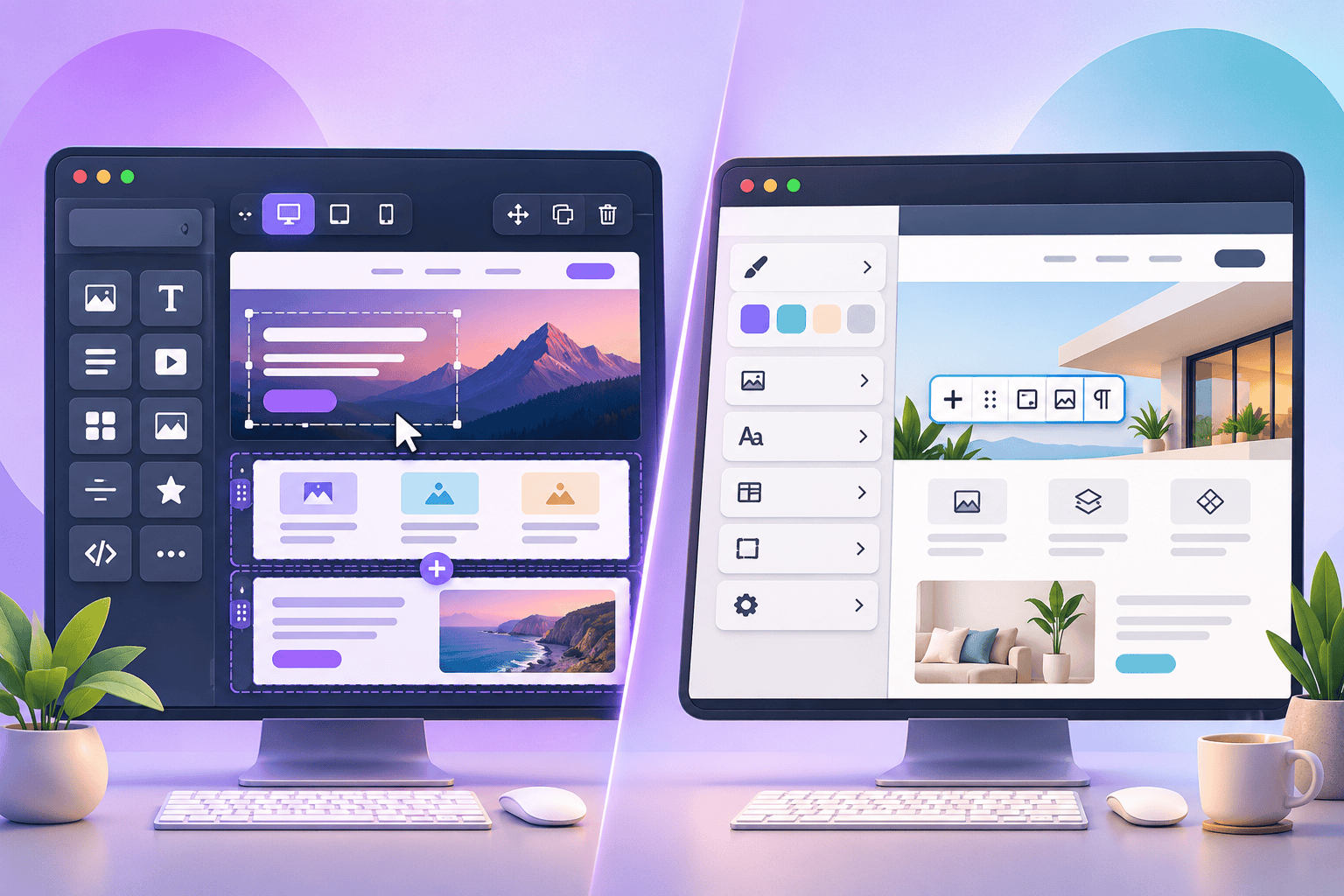
Themify Builder offers live frontend visual editing, backend mode, responsive styling, predesigned layouts and a range of modules. It is useful when a page needs more deliberate layout composition, such as service grids, image-led sections, pricing presentations or complex landing pages. See the official Builder overview.
Compare the work, not just the interface
Build a representative sample page in each workflow. Try editing a heading, changing an image, rearranging a section, adjusting mobile spacing and duplicating a reusable layout. Note how easy each method is for the person who will maintain the site after launch.
Think about responsive control
Themify Builder includes responsive styling for desktop, tablet and mobile. The block editor and theme also provide responsive behaviour, but the exact controls depend on the blocks and theme in use. Test actual devices rather than assuming that a desktop layout will adapt well automatically.
Consider performance and portability
A page builder does not automatically make a site fast or slow. Hosting, images, scripts, theme code and plugin choices all affect performance. Also check what happens to page content if you switch themes or deactivate a builder. Keep essential content in standard WordPress fields where practical and maintain backups.
Choose based on the publishing team
If editors mostly write articles, the native block editor may be simpler. If they regularly compose visually rich pages, Builder can reduce the need to edit code for every layout adjustment. Developers may combine approaches: standard blocks for editorial content and Builder for selected designed pages.
Official Themify resources
Conclusion
The block editor and Themify Builder solve overlapping but not identical problems. Pick the workflow that helps your team publish accurately, maintain layouts and keep the site reliable. A short pilot page is more useful than choosing from feature lists alone.
WordPress block editor next to Themify Builder visual editor. ALT: Comparison of the WordPress block editor and Themify Builder visual editing interface.