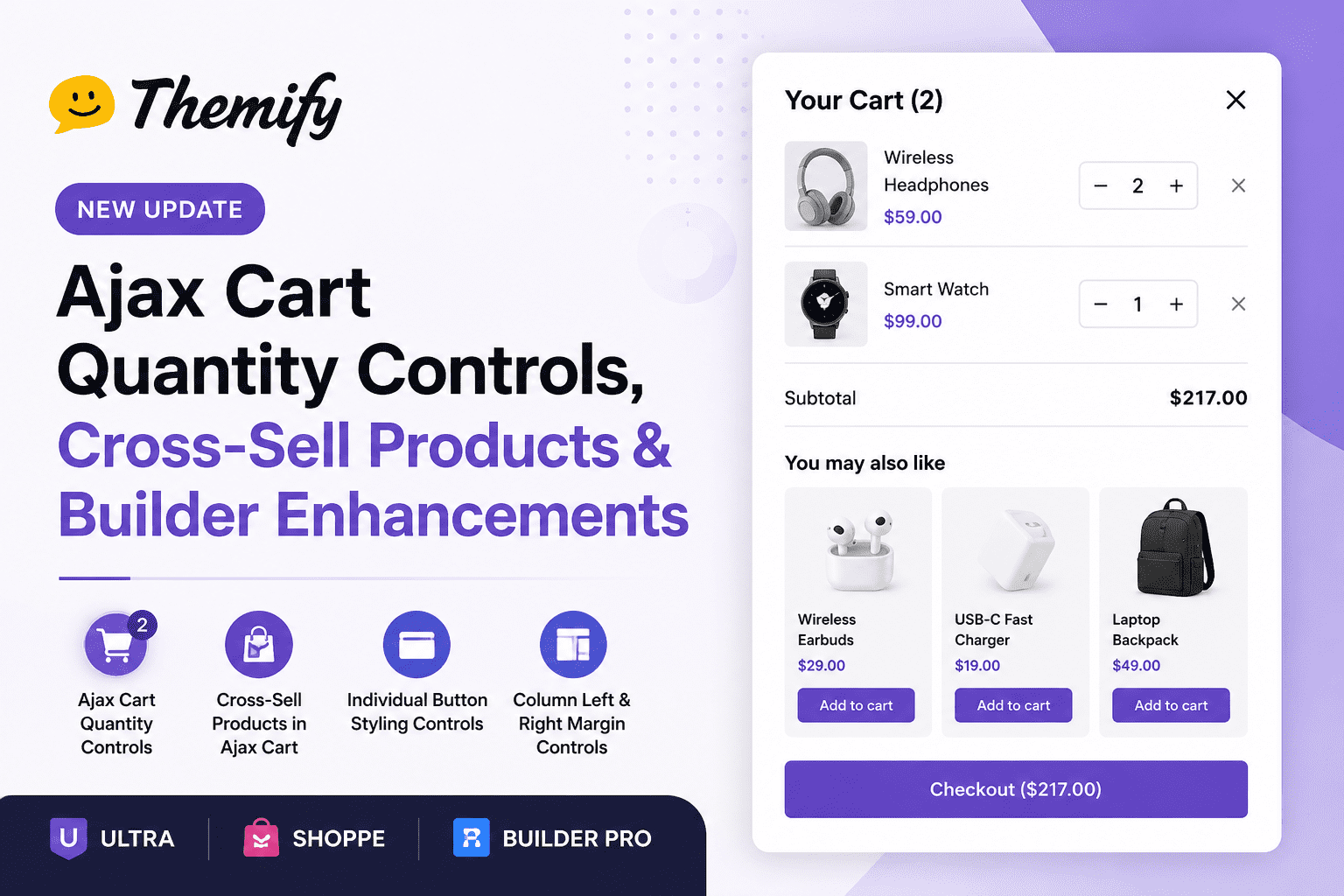
Themify Improves WooCommerce Ajax Cart and Adds New Builder Enhancements
Themify has introduced several new features across Ultra, Shoppe, and Builder Pro, focusing on improving WooCommerce usability, increasing sales opportunities, and providing greater design flexibility for website builders.
Ajax Cart Quantity Input
One of the most useful additions is the ability for customers to update product quantities directly within the Ajax Cart.
Previously, shoppers had to open the cart page to modify quantities after adding products. With this update, plus (+) and minus (-) controls are available directly inside the slide-out Ajax Cart. Customers can quickly increase or decrease quantities without leaving the current page.
Benefits
- Faster shopping experience
- Reduced friction during checkout
- Fewer abandoned carts
- Better mobile usability
- Less navigation between pages
For store owners, this creates a smoother purchase journey and can help improve conversion rates.
Cross-Sell Products in Ajax Cart
Themify now supports displaying WooCommerce cross-sell products directly inside the Ajax Cart.
Cross-sells are products that complement what a customer is already purchasing. For example:
- A camera can be paired with a memory card.
- A laptop can be paired with a carrying case.
- A coffee machine can be paired with coffee pods.
When customers open the Ajax Cart, they can immediately see recommended products that relate to their current selections.
Benefits
- Increases average order value
- Encourages impulse purchases
- Improves product discovery
- Promotes complementary products at the perfect moment
Store owners can configure cross-sell products using WooCommerce’s built-in cross-sell functionality while Themify automatically displays them in the Ajax Cart.
Individual Button Styling Controls
The Button module receives a significant design upgrade.
Previously, buttons often shared styling settings. The new update allows individual buttons to have their own shape and background settings.
New Controls Include
- Custom button shapes
- Independent background colors
- More styling flexibility
- Better visual hierarchy
- Easier creation of call-to-action buttons
This is particularly useful when designing landing pages where primary and secondary buttons need distinct appearances.
Example
Instead of every button looking identical, you can now create:
- A bold “Buy Now” button
- A subtle “Learn More” button
- A unique “Contact Us” button
Each can have different styling without requiring custom CSS.
Column Left and Right Margin Controls
Themify Builder columns now include dedicated left and right margin settings.
Before this update, users often relied on custom CSS or workarounds to create precise spacing between columns.
The new controls allow designers to:
- Adjust horizontal spacing
- Create cleaner layouts
- Fine-tune responsive designs
- Improve visual balance
- Reduce dependence on custom code
Benefits for Designers
These controls make it easier to:
- Create asymmetrical layouts
- Add breathing room between content sections
- Build modern, professional-looking page designs
- Maintain consistency across desktop and mobile devices
Why This Update Matters
This release focuses on both user experience and design flexibility.
For WooCommerce stores:
- Faster cart interactions
- More upsell opportunities
- Better shopping experience
For designers and developers:
- Greater control over buttons
- Improved layout spacing tools
Together, these enhancements help website owners build more engaging online stores while simplifying the design process inside Themify Builder.
Whether you run an eCommerce store with Shoppe or build custom websites using Ultra and Builder Pro, these new features offer practical improvements that can enhance both user experience and site performance.